Google Business Profile for a Local Shop: A Step-by-Step Setup
By Cee · 19 November 2026 · 5 min read
A Google Business Profile is the free listing that shows your shop on Google Search and Google Maps, with your address, opening hours, phone number, photos and reviews. For a local shop, it is often the first thing a customer sees, before your website or your Instagram. Setting it up properly takes an afternoon: create the profile, verify it, fill in every field accurately, add real photos and start collecting honest reviews.
This guide walks through each step, using Google's own advice on what affects local ranking. We are doing exactly this for Topboyskicks, an original-sneaker store we work with, so the examples come from real work in progress. The full project is in our Topboyskicks case study.
Why it matters for a local shop
When someone searches "sneaker store near me" or a shop's name, Google often shows a map with a few local businesses before any ordinary search results. Each listing shows the rating, the hours, directions and a call button. A shop that isn't there, or has an unverified, half-empty listing, is simply invisible at the moment a nearby customer is ready to buy.
Google explains how it ranks these listings in its help article on how to improve your local ranking. It says local results are based mainly on relevance, distance and prominence, and that you can't pay for a better local ranking. What you can do is give Google complete, accurate information and earn genuine reviews.
Step 1: Create the profile
Go to Google Business Profile and add your business with the same Google account you will use to manage it. Enter:
- Your business name exactly as it appears on your shop sign. Don't add keywords or locations to the name; Google's guidelines for representing your business say the name should match how the business is known in the real world.
- The main category that best describes what you are, for example "Shoe store". You can add a few secondary categories later.
- Your address, if customers visit you. If you only deliver, you can set a service area and hide the address.
- Your phone number and website.
Step 2: Verify it
Google needs to confirm you really run the business. Depending on the business, verification may be by video, phone, text, email or a postcard with a code. Google says verified businesses are more likely to appear in results, so don't skip this step. Follow the method Google offers you, and don't change your name or address while verification is pending.
Step 3: Fill in every field
Complete profiles help customers decide and help Google understand what you offer. Fill in:
- Opening hours, including special hours for holidays.
- A short description of what you sell and who for, in plain language.
- Products or services, with prices where you can.
- Attributes, such as delivery or in-store pickup.
- Your website link, ideally to a page that matches what people searched for.
Google's help article says to keep this information complete and accurate, and to update it when anything changes.
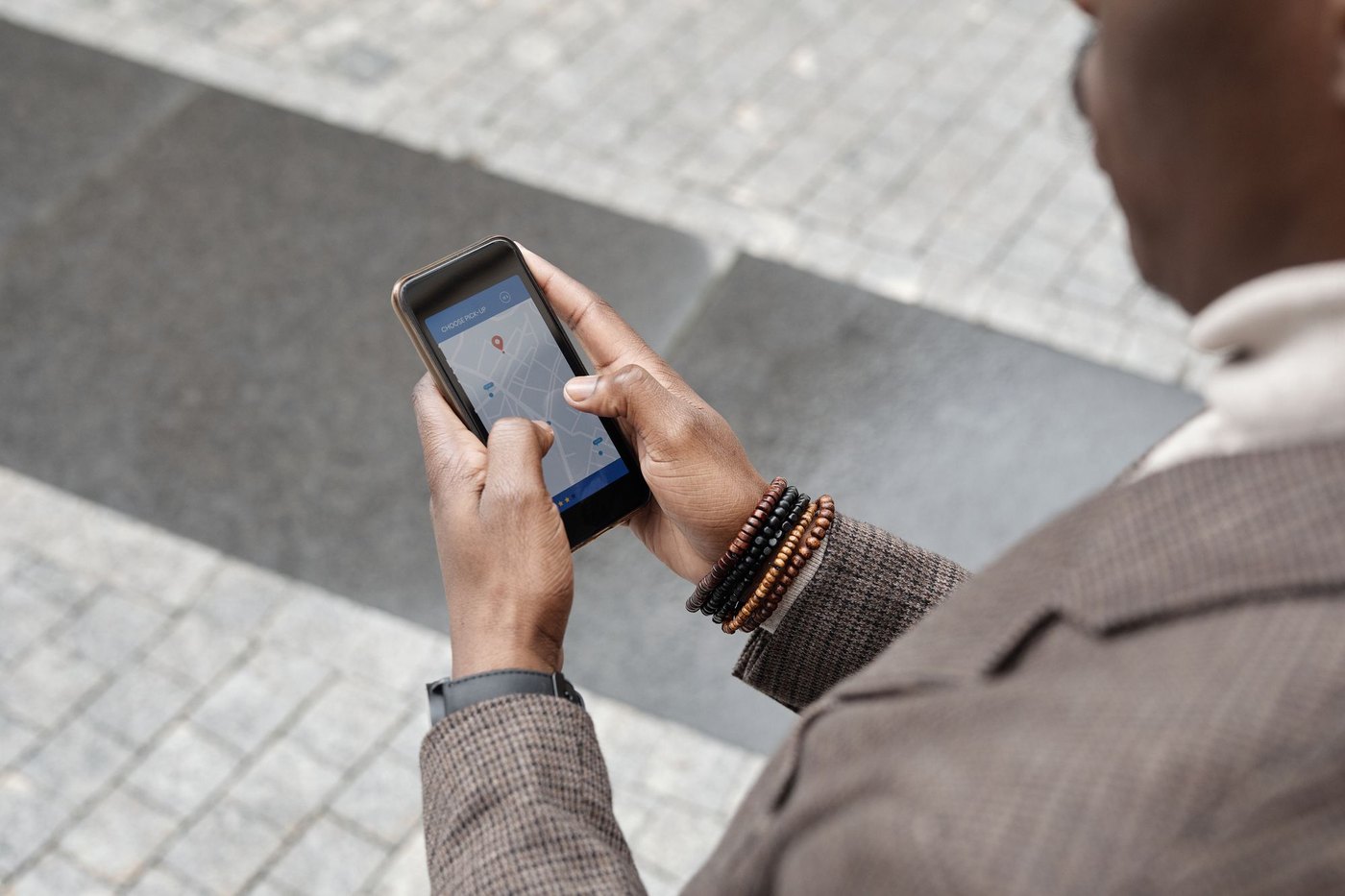 Hours, directions, photos and reviews all appear before a customer ever reaches your website. | Photo: Theo Decker, Pexels
Step 4: Add real photos
Photos make a listing feel real. Add the shop front, so people can recognise it from the street, the inside, your products and, if you are comfortable, the team. Use your own photos, not stock images or photos copied from brand websites. For a store like Topboyskicks, photos of real pairs on the shelf do more for trust than any description.
Step 5: Get honest reviews
Google says review count and rating affect local ranking, and that replying to reviews shows you value customers. The right way to get reviews is simple: after a good sale, send the customer a direct review link and ask. Never pay for reviews, offer discounts for them or write them yourself. Google's review policies treat incentivised reviews as fake engagement, and they can get reviews removed or the profile restricted.
Reply to every review, good or bad, briefly and politely.
Step 6: Keep it active
A profile is not a one-time job. Update hours before holidays, add new photos when stock changes, answer questions customers ask on the listing, and post occasional updates about new arrivals or offers. An active listing gives customers confidence that the shop is open and cared for.
Common mistakes
- Keywords in the business name, such as "Topboyskicks Best Original Sneakers Enugu". It breaks Google's rules and can get the listing suspended.
- Wrong or old hours. Nothing loses a customer faster than arriving to a closed door.
- Duplicate listings for the same shop, which split your reviews.
- No website link, or a link to a page that doesn't load.
- Ignoring reviews, especially negative ones.
What this means for local shops
Our view, offered as analysis: for most local shops, a complete, verified profile with real photos and honest reviews is one of the highest-return marketing jobs available, because it costs nothing but time and appears exactly when customers are deciding. It also makes your website and WhatsApp work harder, because the profile sends people to both. Our post on trust signals that make customers pay online explains why the same proof matters on your site.
Where Omenala fits
Google Business Profile setup is one of the services we offer at Omenala. We create or fix the profile, choose the right categories, write the description, organise photos, and set up a simple way to ask customers for reviews after each sale. We are doing this now for Topboyskicks. If your shop is missing from Google Maps, or the listing is half empty, ask us to look at it.
In short
Create the profile with your real name and category, verify it, fill in every field, add your own photos, ask real customers for reviews and keep it updated. Google can't rank what it can't see.
This article contains analysis and opinion based on publicly available information. Readers are encouraged to consult primary sources and form independent conclusions.