Restock Alerts: How Small Shops Can Use Email to Bring Customers Back
By Cee · 19 November 2026 · 4 min read
A restock alert is a short email telling a customer that something they wanted is back, or that new stock has arrived. For a small shop, it is one of the simplest ways to bring customers back, because the people on the list have already said they want to hear from you. The setup is straightforward: a sign-up box on your website, a clear promise of what you will send, and a short email each time new stock lands.
We built this for Topboyskicks, an original-sneaker store, where new pairs often sell quickly and customers who miss a drop tend not to come back. This post explains how restock alerts work, how to collect sign-ups the right way, what to send and how to automate it. You can read about the wider project in our Topboyskicks case study.
Why restock alerts work
Most visitors to a small shop's website leave without buying. Sometimes the size is gone, sometimes they are not ready, sometimes they just get distracted. Without a way to reach them again, they are gone for good.
A restock alert list solves that. It lets interested customers raise their hand, and gives you a reason to contact them that they will welcome: the thing they wanted is available. Unlike social media posts, which only some followers see, an email lands in the customer's own inbox.
Step 1: Ask with a clear promise
On Topboyskicks, the sign-up box says exactly what customers will get: an email when new original pairs land, no spam, just restocks. That promise matters for two reasons. It tells customers why to sign up, and it limits what you will send, which keeps them on the list.
Good places for the box: the bottom of the homepage, product pages that are sold out, and after someone sends an enquiry. Keep the form to a single email field, or email plus one choice such as size or brand. Every extra field means fewer sign-ups.
Step 2: Get consent properly
Email marketing has rules, and they vary by country. In the UK, for example, the Information Commissioner's Office explains that marketing emails to individuals generally need their consent, or must meet strict "soft opt-in" conditions. Consent must be a positive action, so no pre-ticked boxes, and people must be able to unsubscribe easily.
Whatever country you are in, these habits keep you on the safe side and keep customers happy:
- Only email people who signed up themselves. Never buy lists or add contacts from your phone.
- Say clearly what you will send and how often.
- Include an unsubscribe link in every email and honour it straight away.
- Keep a record of when and where each person signed up.
This is not legal advice; check the rules where you and your customers are.
Step 3: Write short, useful emails
A restock email should be readable in ten seconds:
- A subject line that says what arrived, for example "New Jordans just landed".
- One or two photos of the actual stock.
- Sizes and prices, so customers don't have to ask.
- One button to order, which can open WhatsApp with a pre-filled message or go to the product page.
- A reminder of why they are getting it and how to unsubscribe.
Resist adding newsletters, long stories or several offers. The alert's job is to say "it's here" and make ordering easy.
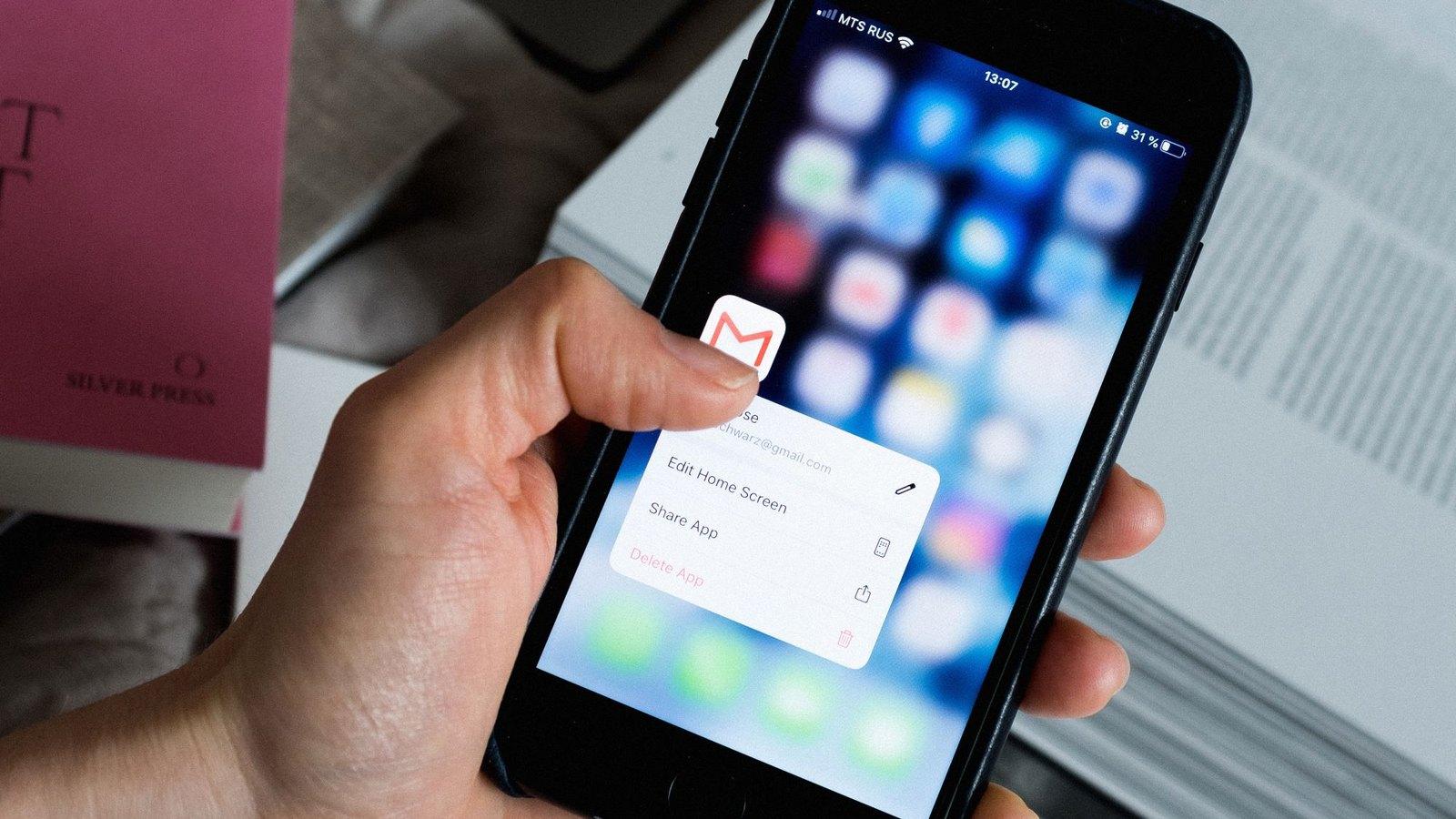
 Most restock emails are read on a phone, so keep them short: what arrived, sizes, prices and one button. | Photo: Jakub Zerdzicki, Pexels
Step 4: Automate the boring part
The sign-up and the sending can run without anyone typing addresses into a spreadsheet. A typical setup looks like this:
- The website's sign-up box adds the email directly to a list in an email tool such as MailerLite or Mailchimp, both of which have free plans for small lists.
- A welcome email goes out automatically, confirming what they signed up for.
- When new stock arrives, the shop sends one prepared email to the list, or tags subscribers by interest, such as brand or size, to send more targeted alerts.
Our post on AI automation examples for small businesses shows other jobs that can run the same way.
Step 5: Watch what happens
After each alert, look at three things: how many people opened it, how many clicked to order, and how many unsubscribed. If unsubscribes rise, you are probably sending too often or sending things that are not restocks. If clicks are low, the email may be too long or the button unclear.
Mistakes to avoid
- Turning alerts into daily promotions. People signed up for restocks; send restocks.
- Adding customers without asking. It breaks trust and, in many countries, the law.
- No photos or prices. Customers will have to ask, and many won't.
- Slow follow-up. If the email sends people to WhatsApp, someone must be ready to reply.
What this means for small shops
Our analysis: for small shops, a restock list is often more valuable than a large social following, because every person on it has asked to hear from you about exactly what you sell. It takes a few hours to set up and costs little or nothing to run at small sizes.
Where Omenala fits
At Omenala we set up restock and new-arrival alerts for shops as part of our website and automation work: the sign-up box, the email tool, the welcome email and a simple routine for sending alerts. We did this for Topboyskicks alongside their website and WhatsApp ordering. If your customers keep missing your best stock, let us set it up for you.
In short
Ask for sign-ups with a clear promise, get real consent, send short emails with photos, sizes, prices and one button, automate the sign-up flow and watch your unsubscribes. Send restocks, not noise.
This article contains analysis and opinion based on publicly available information. It is not legal advice. Readers are encouraged to consult primary sources and form independent conclusions.