How to Track Wedding RSVPs on WhatsApp Without Losing Count
By Cee · 18 November 2026 · 5 min read

The easiest way to track wedding RSVPs on WhatsApp is to stop collecting them as loose chat messages. Instead, share one invitation link that has its own RSVP button, set a clear deadline, and let every reply land in one list. WhatsApp stays the way you reach guests; the list is where you count them. Couples who mix the two end up scrolling through dozens of chats the week before the wedding, trying to remember who said yes.
This guide shows a simple RSVP system any couple can set up, with or without special tools, and the mistakes that cause headcount surprises. Disclosure: we built and run Deeday, a digital wedding invitation service, and we use it as an example below. Our earlier guide on what to include in a digital wedding invitation covers the invitation itself.
Why RSVPs go wrong on WhatsApp
WhatsApp is perfect for reaching guests: almost everyone already uses it, and family groups spread news fast. It is much worse at counting. Replies arrive in private chats, in groups, as voice notes and as "we'll try to come". Some guests reply to the couple, some to a parent, some to the planner. Nobody has the full picture.
The fix is not to abandon WhatsApp. It is to give every guest the same place to reply.
Step 1: One link with an RSVP button
Share an invitation link that includes an RSVP option, rather than asking guests to "let us know". On Deeday invitations, guests tap RSVP and reply through WhatsApp with a structured message, and on the fuller plan each reply is recorded in the couple's dashboard alongside guest wishes and aso-ebi orders. Guests also get a keepsake receipt, which reduces the "did you get my reply?" messages.
If you are not using an invitation service, a simple online form shared in the same message works too. The point is one place, not one tool.
Step 2: Ask the right questions
Keep the RSVP short. Ask only what you will actually use:
- Full name, as it should appear on the guest list.
- Attending or not.
- Number of people, if plus-ones are allowed.
- Which events, if the wedding has several, such as traditional and white weddings.
Every extra question lowers the number of people who finish replying. If you need dietary needs or seating preferences, ask them later, only of the guests who said yes. That keeps the first reply quick and still gets you the detail you need for planning.
Step 3: Set a deadline and say it clearly
Put the RSVP deadline on the invitation and in the message you share. Caterers and venues usually need final numbers before the day, so choose a deadline that leaves you time to chase late replies. Without a deadline, many replies arrive in the final week.
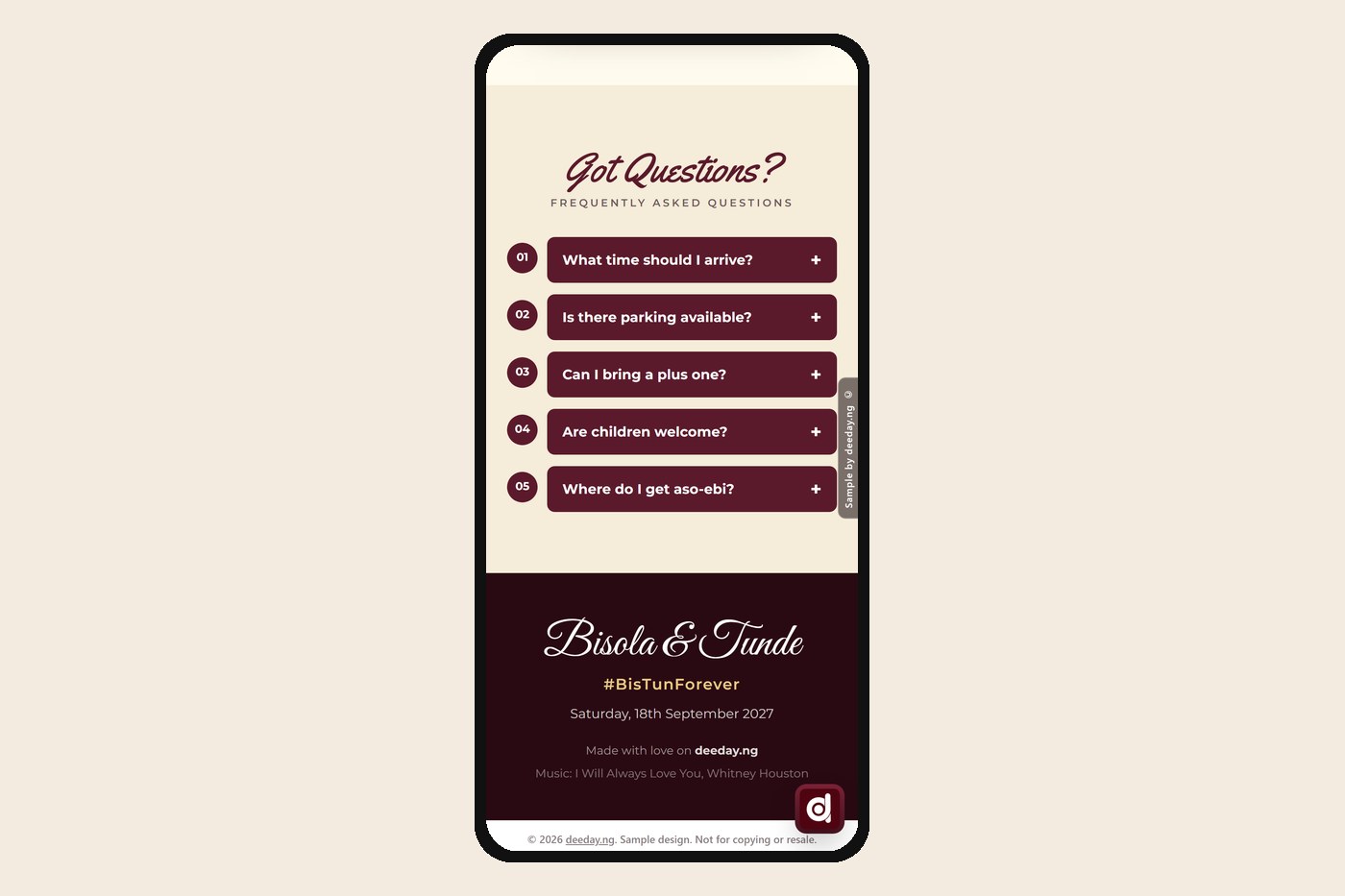 Answering common guest questions on the invitation itself means fewer chats to keep track of. | Screenshot: deeday.ng sample design, 13 November 2026
Step 4: Keep one master list
Choose one master list, whether a dashboard, a spreadsheet or a notebook, and make one person responsible for it. When a reply arrives anywhere else, such as a voice note to a parent or a comment in a family group, that person adds it to the master list. Then the list, not memory, is the truth.
A simple spreadsheet works well with four columns: name, attending, number of people and events. Share it with view-only access to anyone else who needs the numbers, such as the caterer or planner.
Step 5: Remind, don't chase
Plan two reminders: one about a week before the deadline and one on the deadline itself. Send them only to guests who haven't replied, and keep them short and friendly: the invitation link, the deadline and one line of thanks. On Deeday's fuller plan, the couple can send personal reminder messages to guests from the dashboard.
Avoid blasting the whole family group with "please RSVP". Guests who already replied feel ignored, and those who haven't can hide in the crowd.
Step 6: Plan for the guests who never reply
Some people will never RSVP and will still turn up. Others will reply yes and stay at home. Most couples plan a small buffer above the confirmed number for food and seating, based on their own families. That is a judgement call, but the buffer works better when the base number is accurate, which is what the steps above give you.
Mistakes to avoid
- Collecting replies in many chats. Send everyone to one RSVP option.
- No deadline. Without it, you get answers too late to use.
- Too many questions. Fewer questions mean more replies.
- Nobody owns the list. One person, one master list.
- Group-chat reminders only. Remind individuals who haven't replied.
What this means for couples
Our analysis from running Deeday: the couples with the least stress are not the ones with the fanciest invitations. They are the ones who decided early where replies go, who owns the list and when the deadline is. WhatsApp then becomes an advantage instead of a source of confusion.
What this means for businesses
The same pattern works far beyond weddings. Any business that collects bookings, orders or confirmations through WhatsApp has the same problem: replies scattered across chats. We wrote about the business version in our guide on selling on WhatsApp with a website, and it is often one of the first things we automate for clients.
Where Omenala fits
At Omenala we built Deeday's RSVP flow and dashboard ourselves, so we know how to turn scattered WhatsApp replies into one clean list. If your business collects bookings or confirmations on WhatsApp and needs the same, talk to us. Couples can see how Deeday works on its how it works page.
In short
Share one link with an RSVP button, ask few questions, set a clear deadline, keep one master list owned by one person, and remind only those who haven't replied.
This article contains analysis and opinion based on publicly available information. Readers are encouraged to consult primary sources and form independent conclusions.