Five Examples of Automation Every Small Business Can Set Up This Week
By Cee · 13 November 2026 · 4 min read

Here are five examples of automation that almost any small business can use: automatic replies to new messages, appointment reminders, unpaid invoice reminders, review requests after a finished job, and capturing every enquiry in one list. None of them needs AI, special skills or much money. Each one replaces a small, repeated job that you probably forget to do when you're busy.
Automation simply means software doing a task for you when something happens. "When a customer messages after hours, send this reply." "When an invoice is seven days overdue, send this reminder." You set it up once, and it runs every time.
Some of these can be improved later with AI, which we cover in our list of AI automation examples. But start with the basics. They're the quickest wins.
1. Automatic replies to new messages
The job it replaces: typing "Hi, thanks for reaching out, how can I help?" dozens of times a week, and leaving customers who message at night hearing nothing until morning.
How it works: the free WhatsApp Business app has three features for this, according to WhatsApp's feature page:
- Greeting messages go automatically to new customers when they first message you.
- Away messages reply to anyone who messages outside your business hours.
- Quick replies let you save your common answers and send them with a shortcut.
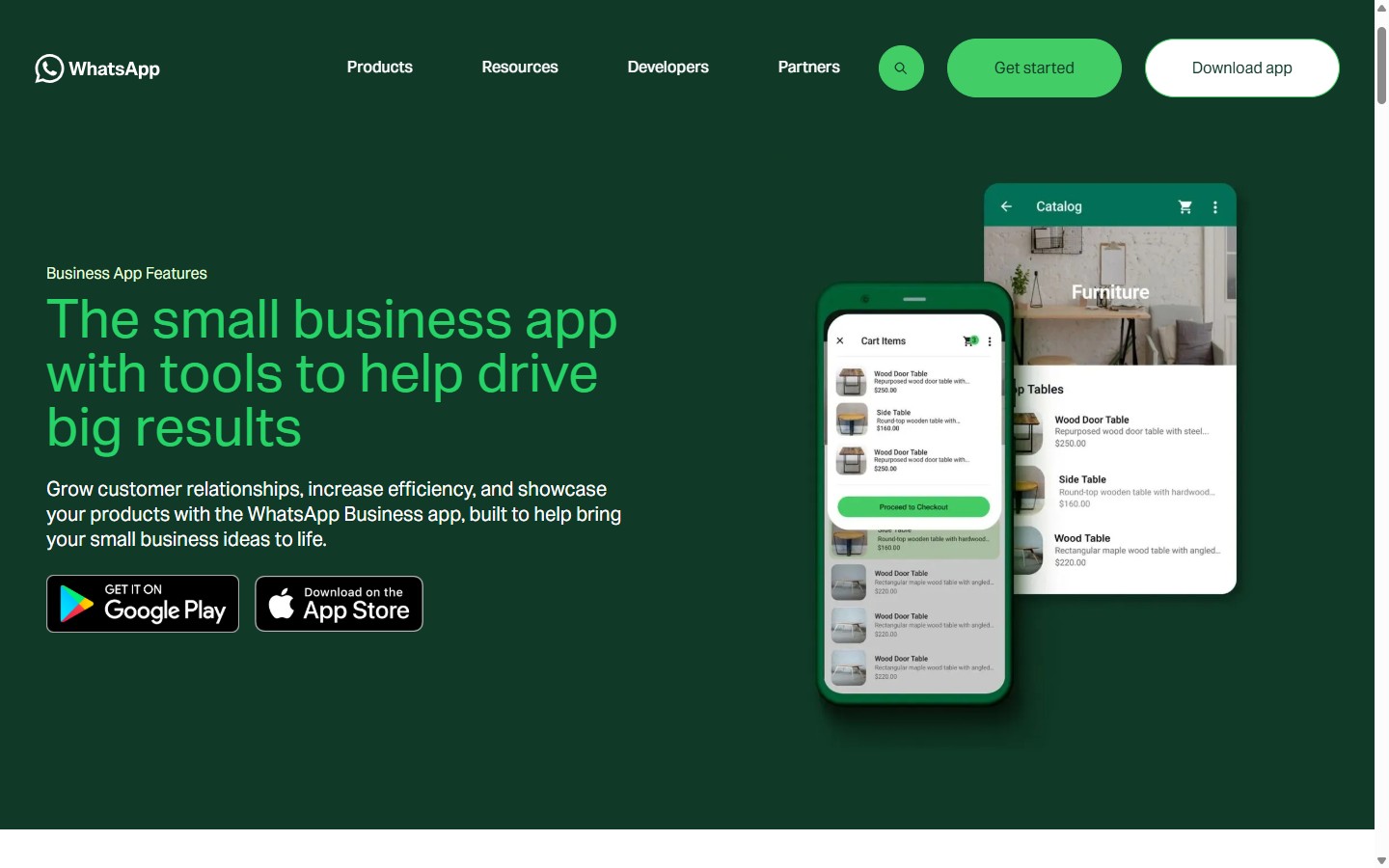 The WhatsApp Business app is built for small businesses and includes automatic messages. Screenshot: whatsappbusiness.com, 12 November 2026.
Setup time: about 20 minutes. Write your greeting, your away message, and quick replies for your five most common questions: price, location, delivery, opening hours and payment methods.
Tip: make the away message honest. "We're closed now and will reply by 9am" keeps a customer waiting. "Thanks, we've got your message" with no time makes them message your competitor.
2. Appointment reminders
The job it replaces: calling or texting every customer the day before, or not doing it and losing the slot when they forget.
How it works: if you book appointments, use a booking tool or calendar that lets customers pick a time and then sends a reminder automatically. Most booking tools and calendars can send an email or text reminder a set number of hours before.
Setup time: an hour or two, mostly deciding your available hours and writing the reminder message.
Tip: include a way to reschedule in the reminder. A customer who can move the appointment in one tap is less likely to simply not turn up.
3. Unpaid invoice reminders
The job it replaces: the awkward, easy-to-forget job of chasing payment.
How it works: most invoicing tools can send reminders automatically when an invoice passes its due date. If yours can't, an automation tool can watch your invoices and send the reminder for you. Zapier's free plan, for example, allows simple two-step automations and 100 tasks a month, according to its pricing page.
Setup time: 30 minutes to an hour.
Tip: schedule three reminders with different tones: a friendly note on the due date, a firmer one a week later, and a final one that asks them to call you. Stop the reminders automatically once the invoice is paid.
4. Review requests after a finished job
The job it replaces: remembering to ask happy customers for a Google review, which most owners only do now and then.
How it works: when you mark a job complete, or a day after delivery, an automation sends a short message with a direct link to leave you a Google review. Many businesses connect this to the same spreadsheet or invoicing tool they already use.
Setup time: about an hour, including getting your direct review link from your Google Business Profile.
Tip: ask while the job is still fresh in the customer's mind, not weeks later when they have moved on.
5. Capturing every enquiry in one list
The job it replaces: enquiries scattered across WhatsApp, Instagram DMs, email and your website form, with some forgotten completely.
How it works: an automation tool sends every website form entry into a single spreadsheet, with the date, name, phone number and message. You can add an alert so you get a notification for each new one. Tools like Zapier, Make and n8n all do this; our comparison of the best AI tool for business automation covers which suits which business.
Setup time: about 30 minutes for a website form. Social media messages are harder to capture automatically, so many businesses add those to the sheet by hand.
Tip: add a "status" column (new, replied, quoted, won, lost). After a month you'll know how many enquiries you actually get and how many you win.
Which one should you start with?
Start with whichever job you most often forget. For most businesses that's either replying to messages quickly or chasing invoices. One working automation is worth more than five half-built ones.
If you set up all five, the total setup time above comes to roughly half a day. Spread it over a week: one automation a day, tested properly before you move on. Write down how long each job used to take you, so that in a month you can see what you got back.
Once the basics are running, AI can make some of them smarter: drafting replies to unusual questions, reading messy enquiries, or personalising review requests. Our guide on how to do AI automation for your business walks through that step by step.
When automation isn't the answer
Automation makes a good process faster. It also makes a bad process faster. If customers are unhappy with your prices, your delivery times or your service, an automatic reply won't fix it. Sort out the underlying problem first, then automate.
If you're not sure which problem you actually have, describe it to us in your own words. Sometimes the answer is an automation. Sometimes it's a website that doesn't load on a phone, or a Google listing with the wrong number. We'll tell you which, and whether we're the right people to fix it. You can see the kind of work we do on our projects page.